
Going LIVE on TikTok is the fastest way to build real connection with your audience, but it’s easy to freeze up when the camera turns on. These 30 TikTok LIVE content ideas give you a plan before you hit “Go LIVE,” so you always have something to talk about.
For non-LIVE ideas, see our full guide to TikTok content ideas.
TikTok LIVE requirements
Requirements can change, but in 2026 creators generally need:
- 1,000 followers to host a LIVE
- To be at least 18 to receive LIVE gifts
- An account in good standing, in a region where LIVE is available
Always check TikTok’s official LIVE guidelines for the latest rules.
30 TikTok LIVE content ideas
Conversation and community
- Q&A or “ask me anything”
- Answer comments from your recent videos
- Weekly check-in with your community
- Celebrate a follower milestone
- Talk through a hot topic in your niche
- Go LIVE with another creator
Do something together
- Clean with me (huge on CleanTok)
- Cook with me
- Study or work with me, with a timer
- Craft, paint or crochet with me
- Workout along
- Organize a room live
Cleaning creators: see CleanTok content ideas for more you can do live.
Teach and demo
- Live tutorial or class
- Product demo and honest review
- Phone tips walkthrough (see mobile phone tips and tricks ideas)
- Budget review or money tips
- Review followers’ work (resumes, rooms, outfits)
- Behind the scenes of your business
Entertainment
- Games and polls with viewers
- Trivia in your niche
- Reacting to viral videos
- Storytime LIVE
- Unboxing a mystery haul
- Live music or singing
Selling and business
- TikTok Shop LIVE shopping event
- Product launch
- Flash sale with live-only discounts
- Packing orders live
- Restock day
- Answer pre-purchase questions
See TikTok content ideas for small business and TikTok Shop content ideas.
TikTok LIVE ideas by niche
| Niche | LIVE idea |
|---|---|
| Cleaning | Hour-long “reset with me” while chatting with viewers |
| Food | Cook dinner live and take ingredient swap requests |
| Beauty | Get ready live, answer product questions |
| Books | Read-along or monthly book club chat |
| Fitness | Follow-along workout or stretch session |
| Money | Live budget makeover for a volunteer |
| Crafts | Make a project start to finish, viewers pick colors |
| Small business | Pack orders live and shout out customers |
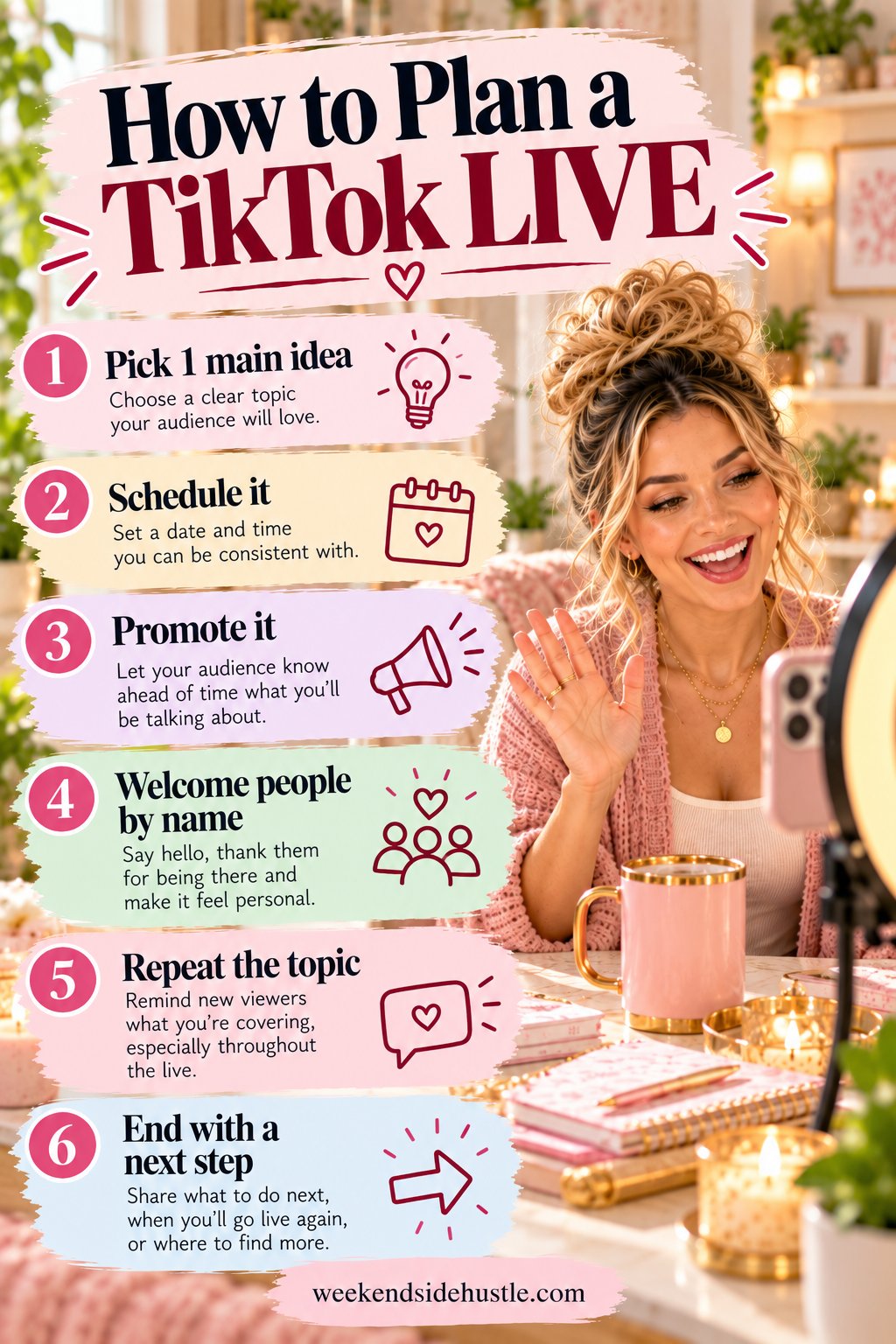
How to plan a TikTok LIVE
- Pick one main idea and two backup topics.
- Schedule it with a LIVE event so followers get reminded.
- Promote it in a short video the day before.
- Welcome people by name as they join.
- Repeat the topic every few minutes for new viewers.
- End with a clear next step: follow, check out a link or come back next week.
A simple TikTok LIVE run of show
| Time | What to do |
|---|---|
| 0–3 min | Welcome people by name, tell them what today’s LIVE is about |
| 3–10 min | Start the main activity (cleaning, demo, Q&A) |
| 10–20 min | Answer comments, run a poll or quick game |
| 20–25 min | Recap for newcomers, share a tip or offer |
| 25–30+ min | Thank viewers, tell them when you’ll be LIVE next |
LIVE features to use
- LIVE events let followers sign up for a reminder.
- Multi-guest lets you bring other creators or customers on screen.
- Q&A collects questions so you don’t miss any in a busy chat.
- Moderators and keyword filters keep the chat friendly.
- LIVE Subscriptions and gifts let fans support you directly (where eligible).
- Product showcase pins TikTok Shop items during shopping LIVEs.
Turn every LIVE into more content
Save your LIVE replay and clip the best moments into short videos. A great answer to a viewer’s question becomes a standalone tip; a funny moment becomes a reaction clip. One 30-minute LIVE can give you a week of short-form posts.
Tips for better TikTok LIVEs
- Go LIVE at a consistent time each week.
- Stay at least 20–30 minutes so people have time to find you.
- Use a tripod and good lighting.
- Assign a moderator if your LIVEs get busy.
- Thank gifters without making the LIVE all about gifts.
Get your content organized
The Social Media Planner for Content Creators has 21 printable pages, including an Instagram post planner, a Pinterest board tracker, a YouTube analytics tracker and a weekly content tracker.
FAQ
How many followers do you need to go LIVE on TikTok?
Generally 1,000 followers, and you must be 18 or older to receive gifts.
What do people do on TikTok LIVE?
Q&As, tutorials, “with me” sessions like cleaning or studying, games, product demos and live shopping.
How long should a TikTok LIVE be?
At least 20–30 minutes is a good goal, so viewers have time to discover and join your stream.
Back to the main TikTok content ideas guide.